
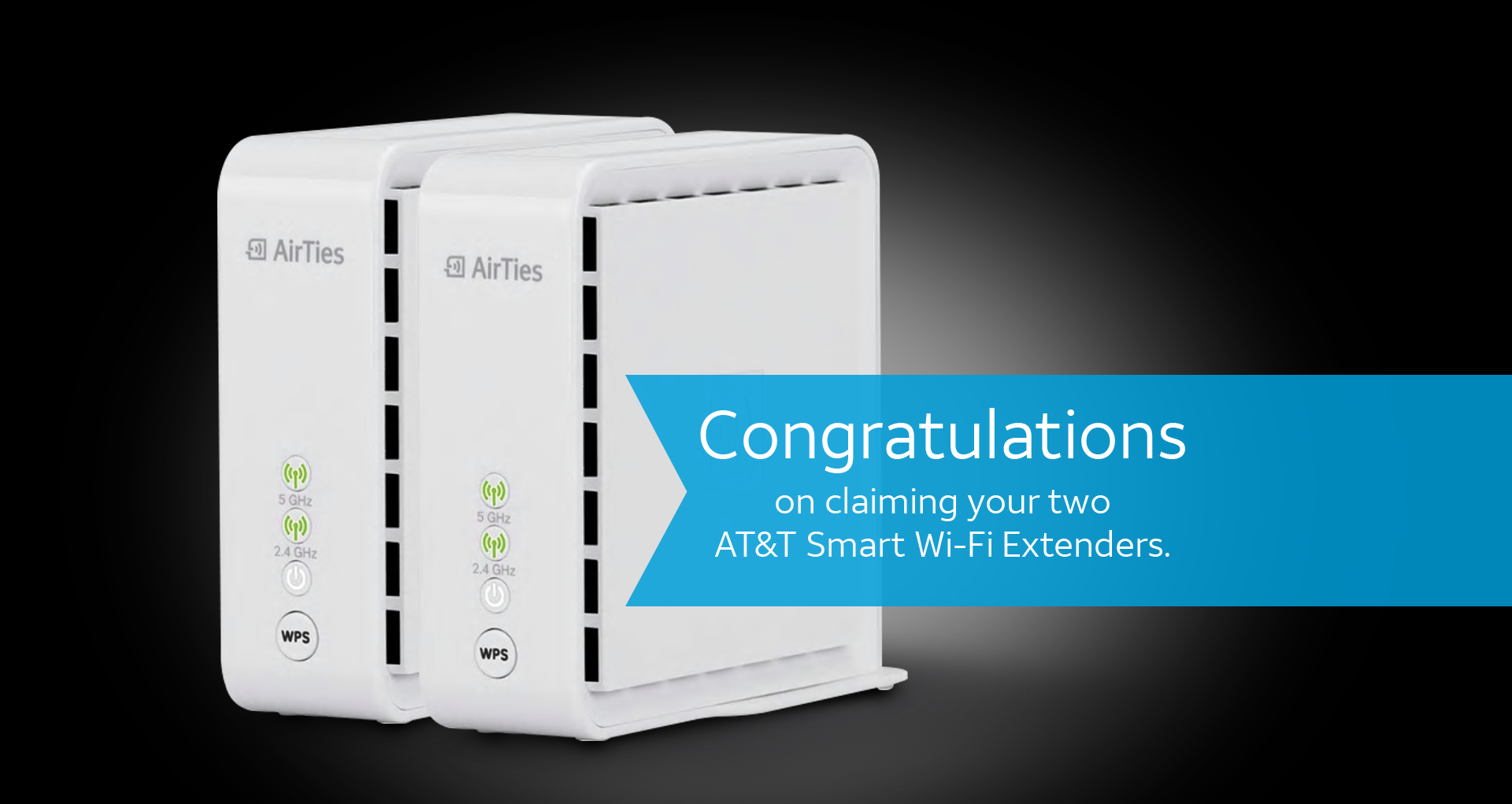
You may be wondering...
How do I install an AT&T Smart Wi-Fi Extender?

Simply download the Smart Home Manager app to your smartphone through your device's app store or att.com/smarthomemanager

Sign in with your User ID (AT&T Access ID or AT&T Internet Member ID) and Password

Select "Tools"

Select "Install Smart Wi-Fi Extenders"
AT&T Smart
Home Manager
is a free tool that simplifies
and personalizes your
home Wi-Fi experience.

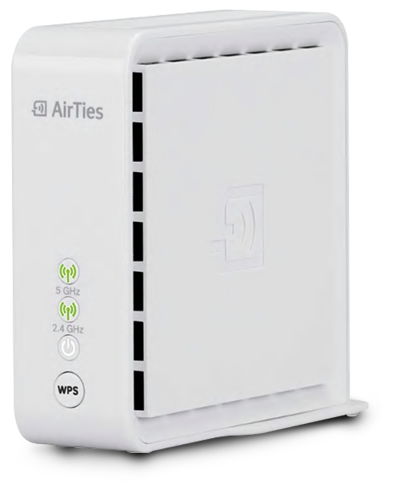
How many Smart Extenders do I need?
Your internet gateway is designed to provide seamless connectivity for up to 2,000 square feet, depending on
the layout of your home. For larger homes or homes with more complicated layouts, we recommend:
One Smart Extender for homes between 2,000 and 3,000 square feet or 2 floors.
Two Smart Extenders for homes between 3,000 and 4,000 square feet or 3 floors.
Three Smart Extenders for homes greater than 4,000 square feet.
Homes less than 2,000 square feet may benefit from extenders if multiple floors, physical obstructions, or home
layout creates locations with weak Wi-Fi signal. At this time we don't recommend having more than three Smart
Extenders in a single home. Some homes may experience seamless Wi-Fi using only the residential gateway.
Make sure you use AT&T Smart Home Manager to place your extenders to get the best results.
If your home only requires 1 extender, keep the 2nd on hand as a spare. We've specifically designed AT&T Smart
Wi-Fi Extenders to work on our network and provide our customers with the best Wi-Fi experience.
Based on these guidelines, if you require a 3rd Smart Extender, click here to purchase: Smart Wi-Fi Extender
Disclaimer: AT&T Smart Wi-Fi Extenders require an active subscription to AT&T Internet service with a 5268AC, BGW210, or NVG599 residential gateway and are not compatible with 3rd-party/non-AT&T internet service. Maximum of 3 extenders per household, poor extender placement may impact performance. Extenders are shipped directly for self-installation. If professional installation is required a $99 fee may be applied to your bill.